

Turn product images into AI-generated video.
Create product videos, fashion content, virtual try-ons and advertising creative from visual references with Lemonpeel's AI-native creative platform.
Built for brands, agencies and professional creative teams working with product-led video content.
- 01Product → VideoTurn product inputs into video workflows
- 02FashionFashion and ecommerce-oriented workflows
- 03Virtual Try OnModel and garment reference workflow
- 04Multi-modelMultiple AI video models in one platform
What is an AI image to video generator for products?
An AI image to video generator turns still product or visual references into generated video content using AI.
For ecommerce and brand teams, this can mean starting with an existing product image rather than creating every video scene entirely from scratch.
Lemonpeel combines image and video creation inside an AI-native creative workspace, with product-focused workflows alongside multiple video models and creative tools.
What can you start with?
- Product images
- Model reference images
- Garment reference images
- Multiple product views
- Product features and scripts
- Creative instructions
Why this matters for ecommerce
Product teams often already have photography, product imagery, brand assets and product information. Product-oriented AI workflows can use those inputs as part of the video-creation process.
Start with the product you already have.
Lemonpeel's existing workflows demonstrate product-image inputs, multiple product views, model references and product information as part of different video-generation workflows.
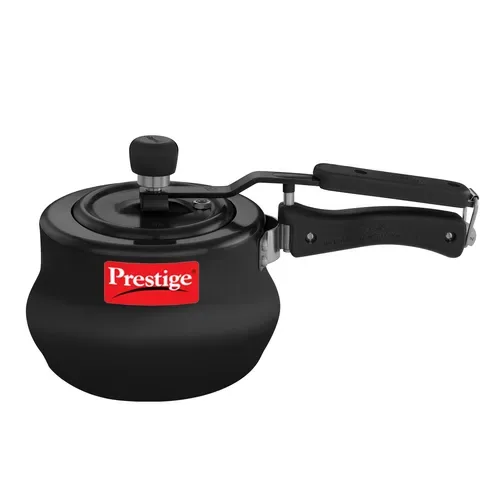
Existing product asset shown in Lemonpeel's Home Appliances workflow.
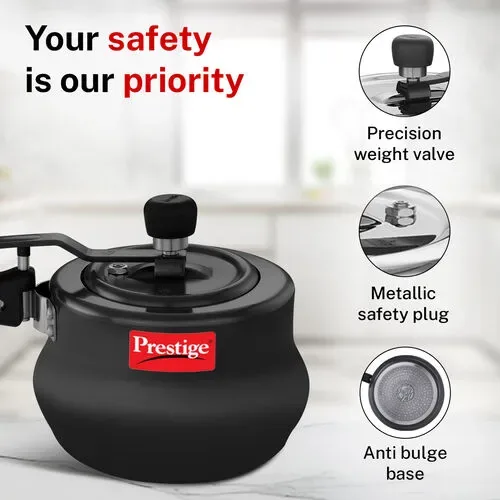
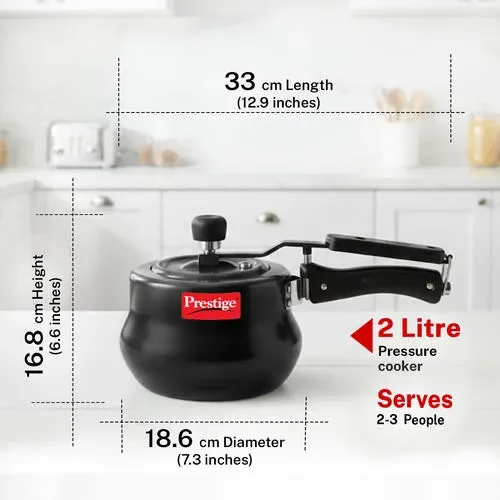
The workflow supports multiple product images.
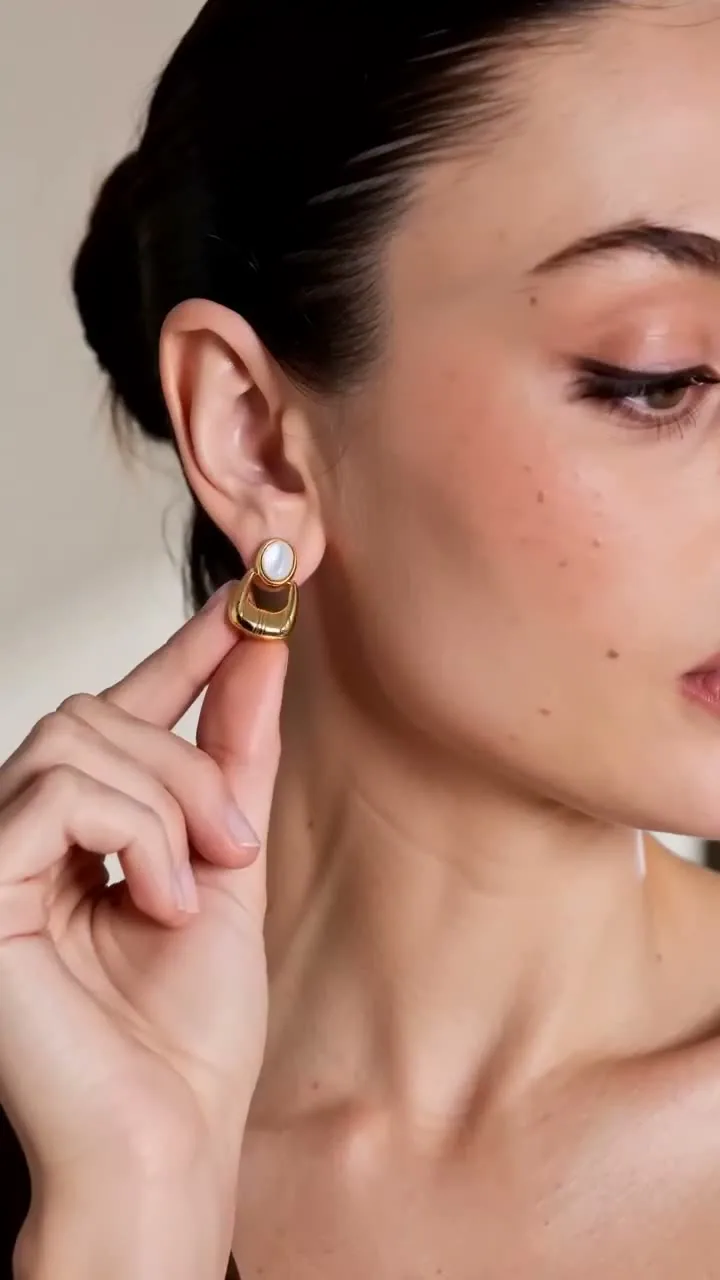
Turn fashion references into richer ecommerce creative.
Lemonpeel's current platform includes fashion-oriented workflows and virtual try-on capabilities, making it relevant to fashion teams that want to work from garments, models and product references.
Fashion video
Lemonpeel explicitly lists an AI fashion video generator among its platform's creative use cases and provides fashion-related workflows.
Garment references
The Virtual Try On workflow accepts a model reference image and a garment reference image as inputs.
Product-led creative
Product workflows can provide a structured starting point for creating commercial video around products and product information.
Multiple creative formats
Lemonpeel's Marketing Studio includes UGC, Tutorial, Unboxing, Product Review, Virtual Try On and other campaign-oriented types.
Work from existing assets
Depending on the workflow, teams can provide images, scripts, product features, characters or other supported references.
Connect product and advertising
Product inputs can feed into advertising-oriented workflows rather than remaining isolated as static ecommerce imagery.
Put garments onto new looks with Virtual Try On.
Lemonpeel's Virtual Try On workflow takes a model reference image and a garment reference image and extracts the outfit to swap it onto new looks.
This gives fashion and ecommerce teams a dedicated workflow for working with model and garment references rather than treating virtual try-on as a generic text-to-image task.
Virtual Try On workflow inputs
- Model Reference Image
- Garment Reference Image
- JPG, PNG, GIF and WEBP supported
- Estimated workflow cost shown on Lemonpeel
Extract outfits & swap onto new looks.
That is the specific purpose Lemonpeel gives its Virtual Try On workflow, making it directly relevant to fashion and apparel creative workflows.
From product image to advertising creative.
Lemonpeel's Marketing Studio is designed to turn a product into a video ad with hooks, providing a campaign-oriented path from product reference to advertising content.
Product image
Start with a product image as an input to the Marketing Studio workflow.
Character image
Add a character image where the selected campaign workflow calls for one.
Campaign type
Select from UGC, Tutorial, Unboxing, Product Review, Virtual Try On, Hyper Motion, TV Spot and other listed options.
Creative hook
Marketing Studio provides multiple hook choices including Product Hit, Slow Reveal, Interview, Product Crash and others.
Aspect ratio
The workflow lists 16:9, 9:16, 1:1, 4:3 and 3:4 aspect ratios.
Video duration
Marketing Studio lists a 4–15 second duration range, with the workflow indicating 10–15 seconds as the best-results range.
Create structured product videos from product inputs.
Lemonpeel's Home Appliances workflow demonstrates a more structured product-video approach: multiple product images, product features, brand information, a logo and optional custom instructions.
The workflow generates a 15-second home appliance product video. This makes it a useful example of how Lemonpeel can organize product information and visual references into a repeatable video workflow.
Inputs shown on Lemonpeel
- Product Image 1
- Product Image 2
- Product Image 3
- Script / product features
- Brand logo
- Brand and product name
- Optional custom instruction
Product video workflows for different creative scenarios.
Lemonpeel's workflow library goes beyond a single product-video format. Different workflows provide different inputs and outputs depending on the creative scenario.
Studio Pack
Studio Pack takes front, side and back product images, product name, optional product features and an optional script.
Explore Studio PackPack With Me
Pack With Me uses front, side and back product images together with a character face, product name, optional product features and script.
Explore Pack With MeVirtual Try On
Use a model reference image and garment reference image for Lemonpeel's dedicated Virtual Try On workflow.
Explore Virtual Try OnHome Appliances
Create a 15-second home appliance product video from multiple product images and supporting product information.
Explore Home AppliancesIndian Influencer
Lemonpeel provides an Indian Influencer workflow for creating a unique Indian influencer for UGC videos, with fashion among the selectable niches.
Explore Indian InfluencerUGC Talking Ad
The UGC Talking Ad workflow supports a script, scenario, language, custom instructions, aspect ratio and duration for talking UGC ads.
Explore UGC Talking AdA product-first workflow for AI video creation.
The exact inputs vary by workflow, but the basic production pattern is straightforward: bring your product or visual reference, define the creative direction and run the appropriate workflow.
Choose your workflow
Start with a product, fashion, Virtual Try On, UGC or advertising workflow that matches the content you want to create.
Add your inputs
Upload supported product images, model references, garment images, scripts, product features or other workflow-specific inputs.
Set the creative direction
Depending on the workflow, define prompts, campaign type, hooks, duration, aspect ratio or custom instructions.
Generate the video
Run the workflow inside Lemonpeel and use the platform's broader creative tools where your production requires them.
Product video creation inside a multi-model AI platform.
Lemonpeel's platform brings multiple AI video models into one creative workspace alongside image, audio, editing and workflow capabilities.
| Capability | What Lemonpeel provides |
|---|---|
| Video | Multiple video models available within the platform. |
| Image | Create, edit and upscale imagery. |
| Editing | Edit Video, Reframe & Resize and Topaz Upscale are listed platform features. |
| Creative references | Asset References, Brand Kit and Character Consistency are listed capabilities. |
| Motion | Motion Control and Camera Control are listed features. |
| Localization | Translate & Lipsync and Hindi Translate & Lipsync workflows are available. |
Multiple video models, one creative workspace.
Lemonpeel currently lists several AI video models as part of its platform, giving creative teams access to a multi-model environment.
Seedance 2.5
Listed by Lemonpeel as one of its current video models.
Seedance 2 VIP
Listed as a video model with enterprise-grade access.
Gemini Omni Flash 1.1
Listed as a video model within the Lemonpeel platform.
Hailou 3 Max
Listed by Lemonpeel as a video model.
Wan 3.0
Listed as an open-source and steerable video model.
Kling 3
Listed among Lemonpeel's current video models.
Move from static product assets to structured creative workflows.
Lemonpeel's product workflows are useful when the creative requirement involves more than simply animating a single image.
Product-focused inputs
Several workflows are built around product images, product features, product names or product references.
Fashion-specific workflows
Fashion-related workflows and Virtual Try On support fashion and apparel-oriented creative production.
Advertising formats
Marketing Studio includes UGC, Tutorial, Unboxing, Product Review, Virtual Try On and TV Spot among its campaign types.
Reusable workflows
Lemonpeel's Flows are curated workflows that teams can run with their own inputs.
Creative consistency
The platform lists Asset Reference System, Brand Kit and Character Consistency among its features.
Team-oriented production
Lemonpeel's Agency plan includes team collaboration, unlimited projects, unlimited seats and a shared asset library.
Product video workflows for ecommerce and creative teams in India.
Lemonpeel publishes its plans in Indian rupees and provides workflows relevant to Indian creative production, including an Indian Influencer workflow and Hindi Translate & Lipsync.
The Indian Influencer workflow can create a unique Indian influencer for UGC videos and includes fashion among its listed niches.
Lemonpeel also provides a Hindi Translate & Lipsync workflow that translates and lipsyncs videos into Hindi for up to two speakers.
Create an Indian influencer for UGC videos.
The workflow includes selectable gender, age, skin tone, niche and extra characteristics, with Fashion among its listed niches.
Explore Indian InfluencerTranslate and lipsync video into Hindi.
Lemonpeel's current workflow supports video uploads and translation and lipsync into Hindi for up to two speakers.
Choose a plan based on your production needs.
Lemonpeel publishes Basic, Agency and Enterprise options. For current pricing and included usage, check the pricing page before purchasing.
Basic
What you get:
- Up to 7,000 images or 700 seconds of video
- Access to all available AI models
- Exclusive workflows
- Professional editing tools
- Limited projects
Agency
Everything in Basic, plus:
- Up to 21,000 images or 2100 seconds of video
- Team collaboration
- Unlimited projects
- Unlimited seats
- Shared asset library
- Credit top-ups
Enterprise
Includes:
- Custom usage limits
- Unlimited seats
- Custom credit top-ups
- Admin controls
- Team onboarding & training
- Dedicated creative support
- Custom workflow agents (coming soon)
Lemonpeel states that image and video usage consumes credits according to the model and workflow used. Published prices exclude applicable taxes.
Explore product, fashion and advertising workflows.
AI image to video generator for products — FAQs
What is an AI image to video generator for products?
An AI image to video generator uses AI to create video from product images or other visual references. Lemonpeel provides product-focused workflows that accept product images and other campaign inputs.
Can Lemonpeel turn product images into videos?
Yes. Lemonpeel provides product-focused workflows such as Home Appliances, Studio Pack and other product workflows that use product images as inputs.
Can Lemonpeel be used as an AI fashion video generator?
Yes. Lemonpeel explicitly lists an AI fashion video generator among its creative use cases and its workflow library includes fashion and apparel-oriented workflows.
Does Lemonpeel support ecommerce product videos?
Lemonpeel provides product-video workflows designed around product images, product features, brand information and other product inputs. Its Home Appliances workflow, for example, generates a 15-second home appliance product video.
What is Lemonpeel's Virtual Try On workflow?
The Virtual Try On workflow accepts a model reference image and a garment reference image. Lemonpeel describes the workflow as extracting outfits and swapping them onto new looks.
Can Lemonpeel create AI product video ads?
Yes. Lemonpeel's Marketing Studio workflow is specifically described as turning a product into a video ad with hooks. It supports product and character images and multiple advertising formats.
What types of product ads can Marketing Studio create?
Marketing Studio lists UGC, Tutorial, Unboxing, Product Review, UGC Virtual Try On, Hyper Motion, Pro Virtual Try On, TV Spot and Wild Card among its available types.
Can I use multiple product images?
Yes. Lemonpeel's Home Appliances workflow accepts three product images. Studio Pack and Pack With Me also use multiple product views, including front, side and back images.
Can I add product features or a script?
Yes. Product workflows such as Home Appliances allow product features, brand and product name, and custom instructions. Studio Pack and Pack With Me also provide product-feature and script inputs.
Does Lemonpeel support UGC product videos?
Yes. Lemonpeel's workflow library includes UGC-oriented workflows, including UGC Talking Ad and Indian Influencer. Marketing Studio also lists UGC as a campaign type.
Does Lemonpeel have an Indian influencer workflow?
Yes. Lemonpeel has an Indian Influencer workflow designed to create a unique Indian influencer for UGC videos. Fashion is one of the listed niches.
Can Lemonpeel create videos in Hindi?
Lemonpeel provides a Hindi Translate & Lipsync workflow that translates and lipsyncs a video in any language into Hindi for up to two speakers.
What AI video models does Lemonpeel provide?
Lemonpeel currently lists Seedance 2.5, Seedance 2 VIP, Gemini Omni Flash 1.1, Hailou 3 Max, Wan 3.0 and Kling 3 among its video models.
What aspect ratios are available for product advertising?
Lemonpeel's Marketing Studio workflow lists 16:9, 9:16, 1:1, 4:3 and 3:4. Available formats can vary by workflow.
How long can Marketing Studio videos be?
Marketing Studio currently lists a 4–15 second duration range and indicates that 10–15 seconds gives the best results.
How much does Lemonpeel cost in India?
Lemonpeel's published plans include Basic at ₹11,999/month, Agency at ₹22,999/month and custom Enterprise pricing. Published prices exclude applicable taxes.
Is Lemonpeel suitable for agencies?
Lemonpeel says it is built for agencies, studios and brands producing high-frequency video content. Its Agency plan includes team collaboration, unlimited projects, unlimited seats and a shared asset library.
How do I start using Lemonpeel?
You can start through Lemonpeel Studio and explore the available workflows. Lemonpeel's workflow pages indicate that users sign up before running workflows with their own inputs.
How can I contact Lemonpeel for a product or enterprise enquiry?
Lemonpeel lists team@lemonpeel.ai as its contact email. You can also use the platform's signup flow to get started.
Your product already has the visual asset. Now turn it into video.
Explore Lemonpeel's product, fashion, advertising and Virtual Try On workflows and build your next piece of ecommerce creative.