


AI Lip Sync Video Generator for Modern Video Workflows
Turn existing videos into localized, lip-synced content with Lemonpeel's AI-native creative workspace. Translate and lip-sync videos to Hindi, work with up to two speakers, and connect lip-sync with a broader workflow for video, sound, editing and creative production.
Lemonpeel's dedicated Hindi Translate & Lipsync workflow accepts MP4, MOV and WEBM video files.
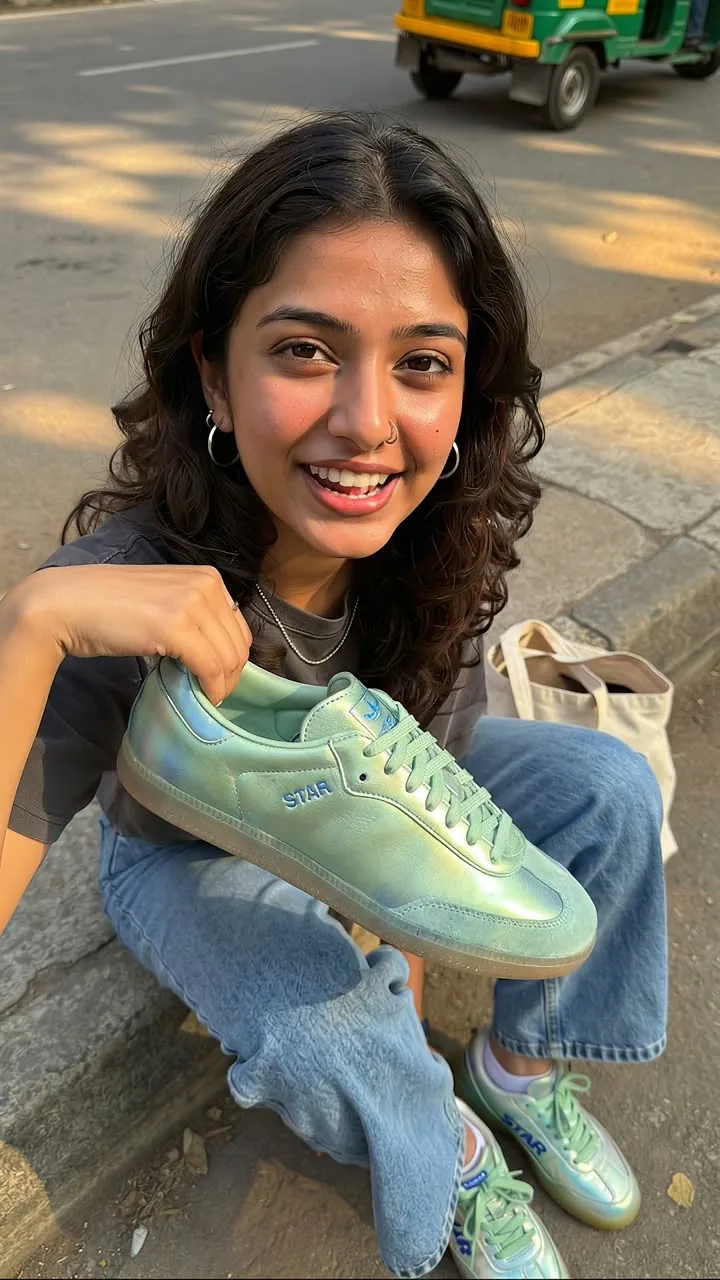
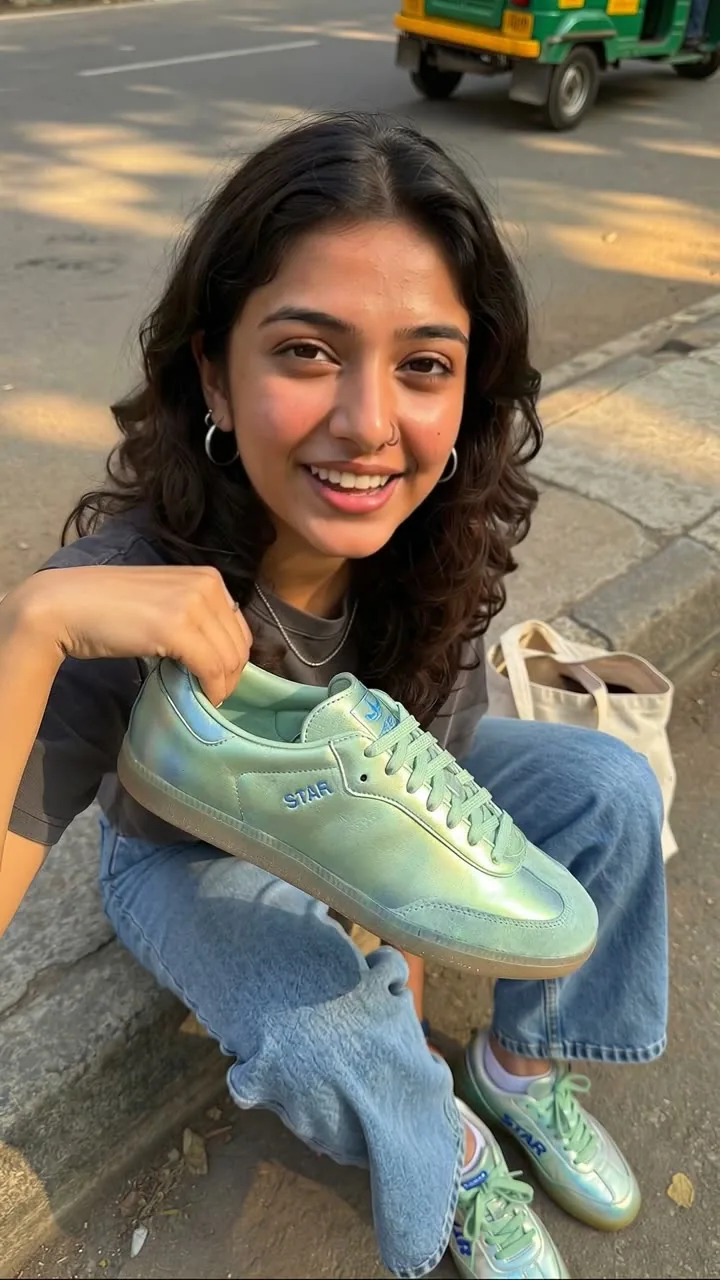
The workflow's output: the same take translated to Hindi, with the lips synced to the new audio.
Make Spoken Video Content Work Across Languages
An AI lip sync video generator uses AI to help synchronize spoken dialogue with a speaker's visible mouth movements in video. For teams working across languages, lip sync can be part of a localization workflow that helps adapt existing video content for another audience.
Lemonpeel has a dedicated Hindi Translate & Lipsync workflow designed to translate and lip-sync a video from any language to Hindi, with support for up to two speakers.
Translate & Lip-Sync Video for Hindi Audiences
Lemonpeel's Hindi Translate & Lipsync workflow takes a video as its input and supports MP4, MOV and WEBM files. The workflow is specifically described by Lemonpeel as translating and lip-syncing videos from any language to Hindi, for up to two speakers.
More Than a Standalone Lip Sync Tool
Lemonpeel positions itself as an AI-native creative operating system for professional video creation. Its workspace brings video, image, sound, editing, workflows and multiple AI models together instead of treating each production task as an isolated tool.
That makes lip sync part of a wider production workflow when your project also needs video creation, editing, subtitles, sound or other creative steps.
Built Around Video, Characters, Products and Creative Context
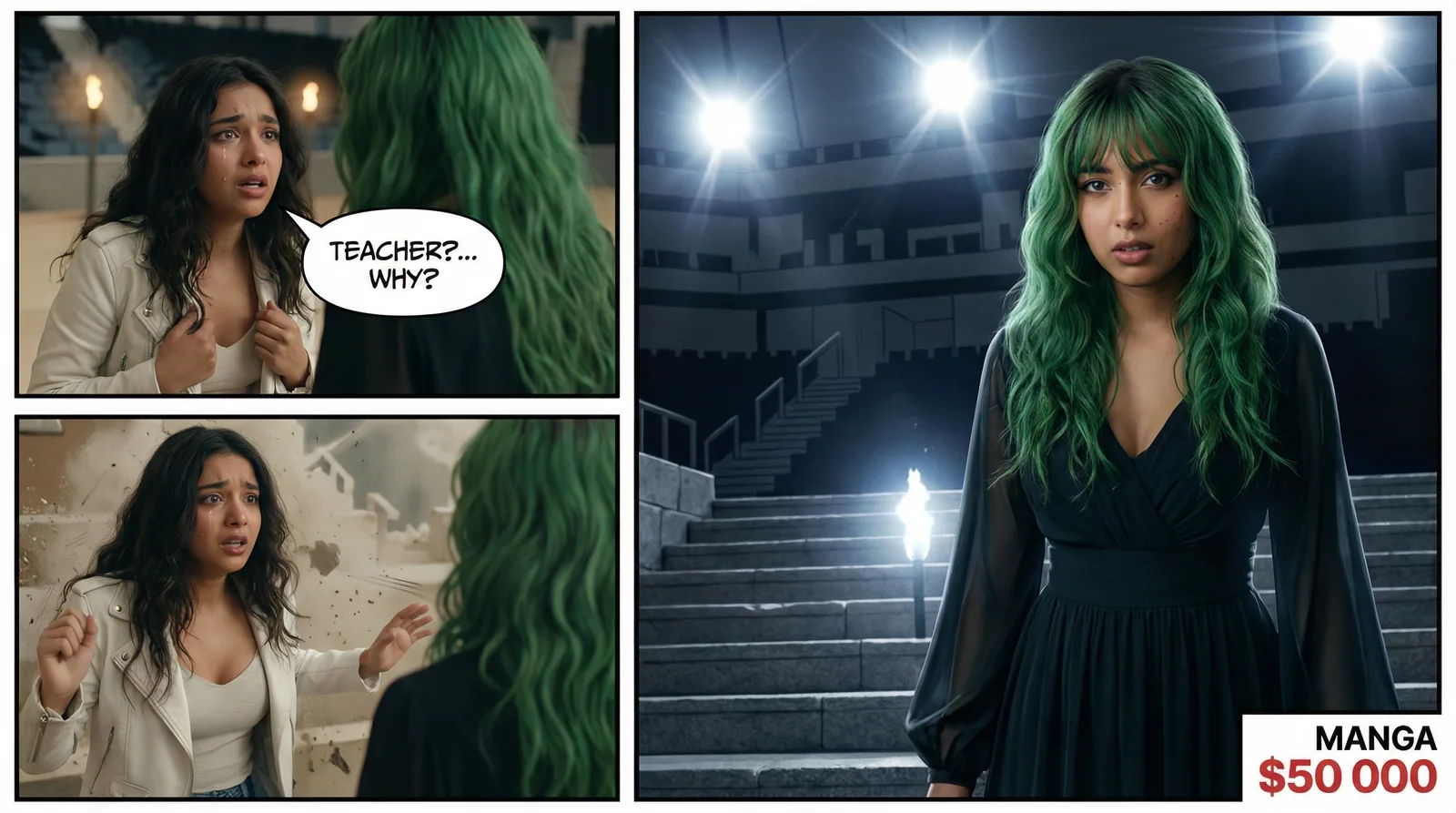
Lip sync can sit inside a broader AI video production workflow. Lemonpeel's platform is designed to keep creative inputs and production capabilities together in one workspace.


What You Can Build Around AI Lip Sync
Lemonpeel's website presents lip sync as one capability within a wider creative system. Depending on the workflow, teams can combine video creation with translation, subtitles, sound, editing and reusable creative assets.
Translate & Lipsync
Use Lemonpeel's dedicated translation and lip-sync workflow to adapt video content to Hindi.
Up to Two Speakers
The Hindi Translate & Lipsync flow supports videos with up to two speakers.
Multiple Video Formats
The dedicated Hindi workflow accepts MP4, MOV and WEBM video uploads.
Subtitles
Subtitles are listed among Lemonpeel's video and creative capabilities for broader video production workflows.
Editing & Reframing
Lemonpeel also lists Edit Video and Reframe & Resize among its platform capabilities.
Creative Workflow Integration
Flows can connect creative tasks so video production is not limited to a single generation step.
A Simple Path From Video to Localized Content
Lemonpeel's dedicated Hindi Translate & Lipsync workflow is designed around a straightforward video-input process.
- 01
Upload Your Video
Start with the video you want to translate and lip-sync. Lemonpeel's dedicated Hindi workflow supports MP4, MOV and WEBM.
- 02
Run the Hindi Translate & Lipsync Workflow
The dedicated workflow is built to translate and lip-sync videos from any language to Hindi.
- 03
Work With Up to Two Speakers
The workflow specifically supports videos with up to two speakers.
- 04
Continue the Production Workflow
Where needed, use Lemonpeel's broader video capabilities for editing, subtitles, sound, reframing and other creative production tasks.
Make Hindi Localization Part of Your Video Workflow
For teams producing video content for Hindi-speaking audiences, Lemonpeel provides a dedicated Hindi Translate & Lipsync workflow rather than requiring the localization step to sit completely outside the creative workspace.
- Translate video content to Hindi
- Lip-sync videos as part of the localization workflow
- Support for up to two speakers
- MP4, MOV and WEBM video input
- Use the broader Lemonpeel creative workspace around the workflow
- Designed for professional video creation workflows
Where an AI Lip Sync Video Generator Can Fit
Lip sync is most useful when spoken video needs to be adapted, localized or incorporated into a larger production workflow. Lemonpeel supports several adjacent creative workflows that can complement this process.
Hindi Video Localization
Adapt existing video content into Hindi with Lemonpeel's dedicated Hindi Translate & Lipsync workflow.
Localized Marketing Content
Teams producing recurring brand content can combine localization with Lemonpeel's wider marketing and video production workflows.
Talking Video Content
Lemonpeel also provides UGC talking-ad workflows, giving teams another route for producing spoken video content alongside its lip-sync capability.
Video Production Workflows
Combine lip sync with video creation, editing, sound, subtitles, reframing and other creative capabilities when a project requires more than localization alone.
Choose a Lip Sync Workflow That Fits Into the Rest of Production
Lemonpeel describes its platform as an AI-native creative operating system for professional video creation. Its focus is not only on individual AI generations, but on bringing scripts, images, video, sound and editing into a single workspace.
One Creative Workspace
Keep multiple creative capabilities within one environment rather than treating every video task as a separate tool.
Multiple AI Models
Lemonpeel's platform brings multiple AI video and creative models into its broader workflow environment.
Reusable Creative Context
Lemonpeel lists Asset Reference System, Brand Kit and Character Consistency among its platform features.
Workflow-Based Production
Ready-made flows can turn repeatable creative processes into defined workflows that teams can run with their own inputs.
Video Editing Capabilities
Edit Video, Reframe & Resize, Subtitles and other video capabilities are part of the platform's listed feature set.
Built for Professional Teams
Lemonpeel says its platform is built for agencies, studios and brands producing high-frequency video content.
What Should You Look for in an AI Lip Sync Video Generator?
The right tool depends on the actual production requirement. If your goal is localization, look beyond lip synchronization alone and consider supported video formats, language workflows, speaker support, editing and how easily the output fits into your existing production process.
| What to evaluate | Why it matters | Lemonpeel capability |
|---|---|---|
| Language localization | Useful when existing video needs to be adapted for another language audience. | Dedicated Hindi Translate & Lipsync workflow. |
| Speaker support | Important for interviews, dialogue and multi-person video. | Hindi workflow supports up to two speakers. |
| Input compatibility | Your workflow should accept the video format you already use. | MP4, MOV and WEBM are supported by the dedicated Hindi flow. |
| Editing after generation | Localization is often only one stage of the production process. | Lemonpeel lists Edit Video, Reframe & Resize and Subtitles. |
| Broader creative workflow | Teams may need video, image, sound and other production steps around localization. | Lemonpeel combines video, image, sound, editing and workflows in its creative operating system. |
Build Beyond Lip Sync
If your project needs more than localization, explore Lemonpeel's existing workflows for video creation, UGC, product content and multi-shot production.
Hindi Translate & Lipsync
Translate and lip-sync video content to Hindi for up to two speakers.
View workflowUGC Talking Ad
Create talking UGC ads with B-rolls using a script, scenario, language, aspect ratio and duration.
View workflowMulti Shot Builder
Generate a single 15-second video with four shots and consistency.
View workflowAI Lip Sync Video Generator FAQs
Clear answers to common questions about Lemonpeel's lip-sync and video localization workflow.
What is an AI lip sync video generator?
An AI lip sync video generator is a video technology that synchronizes a speaker's visible mouth movements with spoken dialogue. It can be useful when adapting or localizing spoken video content.
Does Lemonpeel have an AI lip sync video generator?
Lemonpeel lists Lipsync and Translate & Lipsync among its platform capabilities and provides a dedicated Hindi Translate & Lipsync workflow.
Can Lemonpeel translate and lip-sync a video to Hindi?
Yes. Lemonpeel's dedicated Hindi Translate & Lipsync workflow is described as translating and lip-syncing videos from any language to Hindi.
How many speakers does the Hindi lip-sync workflow support?
The dedicated Hindi Translate & Lipsync workflow supports videos with up to two speakers.
What video formats can I upload?
The Hindi Translate & Lipsync workflow supports MP4, MOV and WEBM video uploads.
Can I use Lemonpeel for video localization in India?
Lemonpeel provides a dedicated Hindi Translate & Lipsync workflow, making Hindi video localization one of the specific workflows available on the platform.
Is lip sync the only video capability available in Lemonpeel?
No. Lemonpeel positions itself as an AI-native creative operating system with capabilities spanning video, image, sound, editing, workflows, subtitles, reframing and other creative functions.
Can Lemonpeel handle other AI video production workflows?
Yes. Lemonpeel provides ready-made workflows covering areas such as talking UGC ads, product videos, virtual try-on, storyboard to film and multi-shot video creation.
Can I edit or rework video after using lip sync?
Lemonpeel lists Edit Video and Reframe & Resize among its platform capabilities, allowing video production to continue beyond an individual generation or localization step.
Does Lemonpeel support subtitles?
Yes. Subtitles are listed among Lemonpeel's platform features.
Can I use Lemonpeel for professional video production?
Lemonpeel describes its platform as an AI-native creative operating system for professional video creation and says it is built for agencies, studios and brands producing high-frequency video content.
How do I start using Lemonpeel's Hindi lip-sync workflow?
You can open the Hindi Translate & Lipsync workflow, upload your video, and sign up to run it with your own input.
How much does the Hindi Translate & Lipsync workflow use?
Lemonpeel currently displays an estimated usage of 3,000 credits for its Hindi Translate & Lipsync workflow. Actual platform usage is subject to Lemonpeel's applicable credit and subscription terms.
Where can I contact Lemonpeel?
You can contact the Lemonpeel team at team@lemonpeel.ai or start by signing up for the platform.
Turn Hindi Lip Sync Into Part of Your Creative Workflow
Start with your existing video and explore Lemonpeel's Hindi Translate & Lipsync workflow. When the project requires more, continue inside the wider AI-native creative workspace for video, sound, editing and reusable workflows.